Skip to content
Query Guide

Query Guide

  • All Articles
  • App
  • Coding
  • Hardware
  • More
    • Operating System
    • Outlook
    • PowerPoint
    • Software
    • Tip & Trick
    • Troubleshooting
    • Windows

Troubleshooting

10 Dangers of Oversharing on Social Media: Privacy Risks You Might Be Ignoring

October 15, 2026 by Rafael Yamada
10 Dangers of Oversharing on Social Media: Privacy Risks You Might Be Ignoring

Posting too much online might seem harmless, but oversharing on social media exposes you to serious risks—from identity theft to cyberbullying. These 10 dangers highlight privacy threats most users overlook before…

Read more

Categories Troubleshooting

Windows 10 11 Error Code (0xc000001d): Fix for Stubborn Boot Failures

October 13, 2026 by Rafael Yamada
Windows 10 11 Error Code (0xc000001d): Fix for Stubborn Boot Failures

When my Windows 10/11 system triggered the error code: (0xc000001d) after a failed update, it took me three desperate tries to boot again—this isn’t just a glitch, but usually corrupted files, a busted driver, or a dying…

Read more

Categories Troubleshooting

10 Microsoft IIS/10.0 Vulnerabilities: Critical Security Patches You Must Apply Now

October 15, 2026 by Rafael Yamada
10 Microsoft IIS/10.0 Vulnerabilities: Critical Security Patches You Must Apply Now

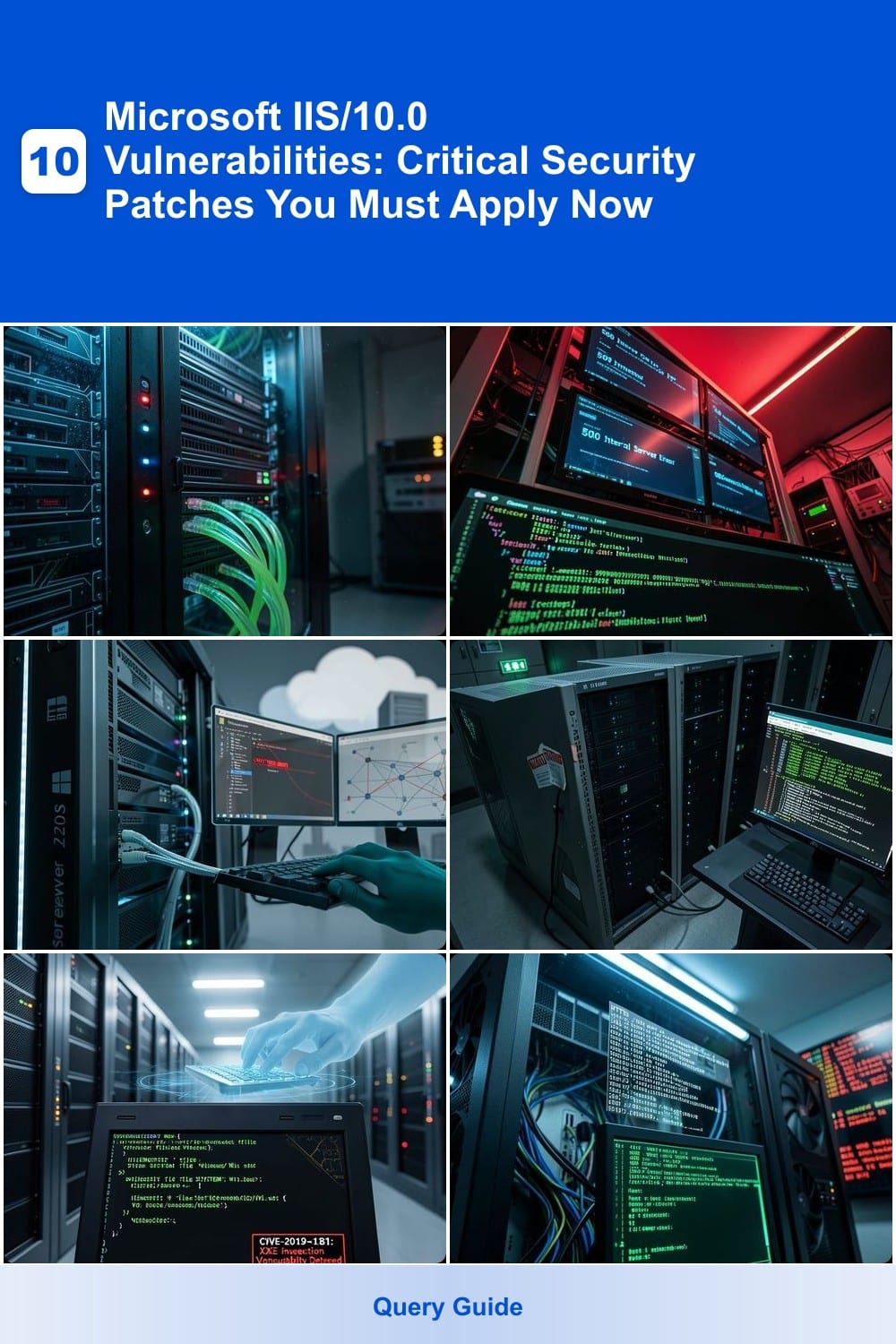
Microsoft Internet Information Services (IIS) 10.0 powers millions of websites, but unpatched vulnerabilities expose systems to exploits. These 10 critical security flaws demand immediate attention—discover the risks…

Read more

Categories Troubleshooting

Microsoft Office Removal Tool Offline Download: Bypass Internet Errors for Faster Uninstall

October 6, 2026 by Rafael Yamada
Microsoft Office Removal Tool Offline Download: Bypass Internet Errors for Faster Uninstall

The Microsoft Office Removal Tool offline download is your lifeline when patchy Wi-Fi or server errors block the uninstaller from working. Picture this: You’ve spent hours fighting a frozen Office setup, only to hit a…

Read more

Categories Troubleshooting

Excel #N/A Error: Quick Fix Without Losing Data

October 12, 2026 by Rafael Yamada
Excel #N/A Error: Quick Fix Without Losing Data

That "#N/A" error in Excel is the digital equivalent of a blank page staring back at you—frustrating, but fixable without losing your data. ✨ I've spent hours debugging these when formulas break mid-calculation, and the…

Read more

Categories Troubleshooting

Set up Msn Email on Mac: Seamless Sync With Apple’s Native Mail App

October 13, 2026 by Rafael Yamada
Set up Msn Email on Mac: Seamless Sync With Apple’s Native Mail App

Setting up MSN email on your Mac used to be a headache, but Apple’s Mail app makes it shockingly simple today. ✨ I’ve helped dozens of friends migrate their old MSN accounts to macOS—some with outdated passwords, others…

Read more

Categories Troubleshooting

TCP Out-of-Order Packets: Fix Network Lag and Data Corruption Instantly

October 10, 2026 by Rafael Yamada
TCP Out-of-Order Packets: Fix Network Lag and Data Corruption Instantly

Your network’s TCP out-of-order packets are silently sabotaging speed, causing lag, and corrupting files—often without you realizing it. Struggling with choppy video calls, slow downloads, or corrupted files? TCP…

Read more

Categories Troubleshooting

TCP-RST-from-Server Errors: Why It Happens and How to Fix It Fast

October 7, 2026 by Rafael Yamada
TCP-RST-from-Server Errors: Why It Happens and How to Fix It Fast

A TCP-RST-from-server error abruptly kills your connection mid-task, whether you're downloading files, gaming, or remote-working—leaving you staring at a failed transfer or a dead session. One minute you're streaming…

Read more

Categories Troubleshooting

This Action Is Only Valid for Products That Are Currently Installed: Fix "Only Valid for Installed Products" Errors in Seconds

October 9, 2026 by Rafael Yamada
This Action Is Only Valid for Products That Are Currently Installed: Fix "Only Valid for Installed Products" Errors in Seconds

That error message— "This action is only valid for products that are currently installed" —is one of the most frustrating dead-ends in Windows. ✨ I’ve seen it freeze users mid-update, mid-uninstall, or even mid-repair…

Read more

Categories Troubleshooting

This Game Does Not Support Installation to a Specific Folder: Bypass Folder Restrictions Permanently

October 12, 2026 by Rafael Yamada
This Game Does Not Support Installation to a Specific Folder: Bypass Folder Restrictions Permanently

This game does not support installation to a specific folder, so like Call of Duty or Assassin’s Creed, its DRM or engine enforces strict paths—like C:\Program Files —to validate licenses or patch updates. 💻 I’ve spent…

Read more

Categories Troubleshooting

About Me

Rafael Yamada

Rafael Yamada
My first computer was a clunky, beige desktop that took up half my bedroom floor—back when dial-up screeches were the soundtrack of the internet. I spent hours tinkering with it, learning how to make it do things it wasn’t supposed to, and that curiosity never left me. Query Guide is where I share the lessons I’ve picked up over the years: how to troubleshoot the weirdest tech problems, which tools actually make life easier, and why that one weird shortcut you’ve been ignoring might just save your day. If there’s a gadget, a glitch, or a productivity hack worth talking about, you’ll find it here.

Learn more

Recent Posts

  • How to Completely Uninstall an App: Zero-Trace Removal in 3 Steps
    How to Completely Uninstall an App: Zero-Trace Removal in 3 Steps
  • How to Set up Microsoft Authenticator: Step-by-Step Sync for Secure Access
    How to Set up Microsoft Authenticator: Step-by-Step Sync for Secure Access
  • How to Set Up Teams Meeting in Outlook: Quick Scheduling Without the Tech Stress
    How to Set Up Teams Meeting in Outlook: Quick Scheduling Without the Tech Stress
  • ID Tech Card Reader Software Free Download: Direct Compatibility Check Before Installing
    ID Tech Card Reader Software Free Download: Direct Compatibility Check Before Installing
  • How to Set up Outlook Email: Zero-Error Account Configuration in 10 Minutes
    How to Set up Outlook Email: Zero-Error Account Configuration in 10 Minutes
  • All Guides
  • About
  • Contact
  • Privacy Policy
  • Cookie Policy
  • Terms of Use
© 2026 queryguide.click