
Coding
SQL Server 2012 introduced groundbreaking features that transformed database management. These 10 innovations boost performance, security, and scalability—essential upgrades for developers and DBAs alike.
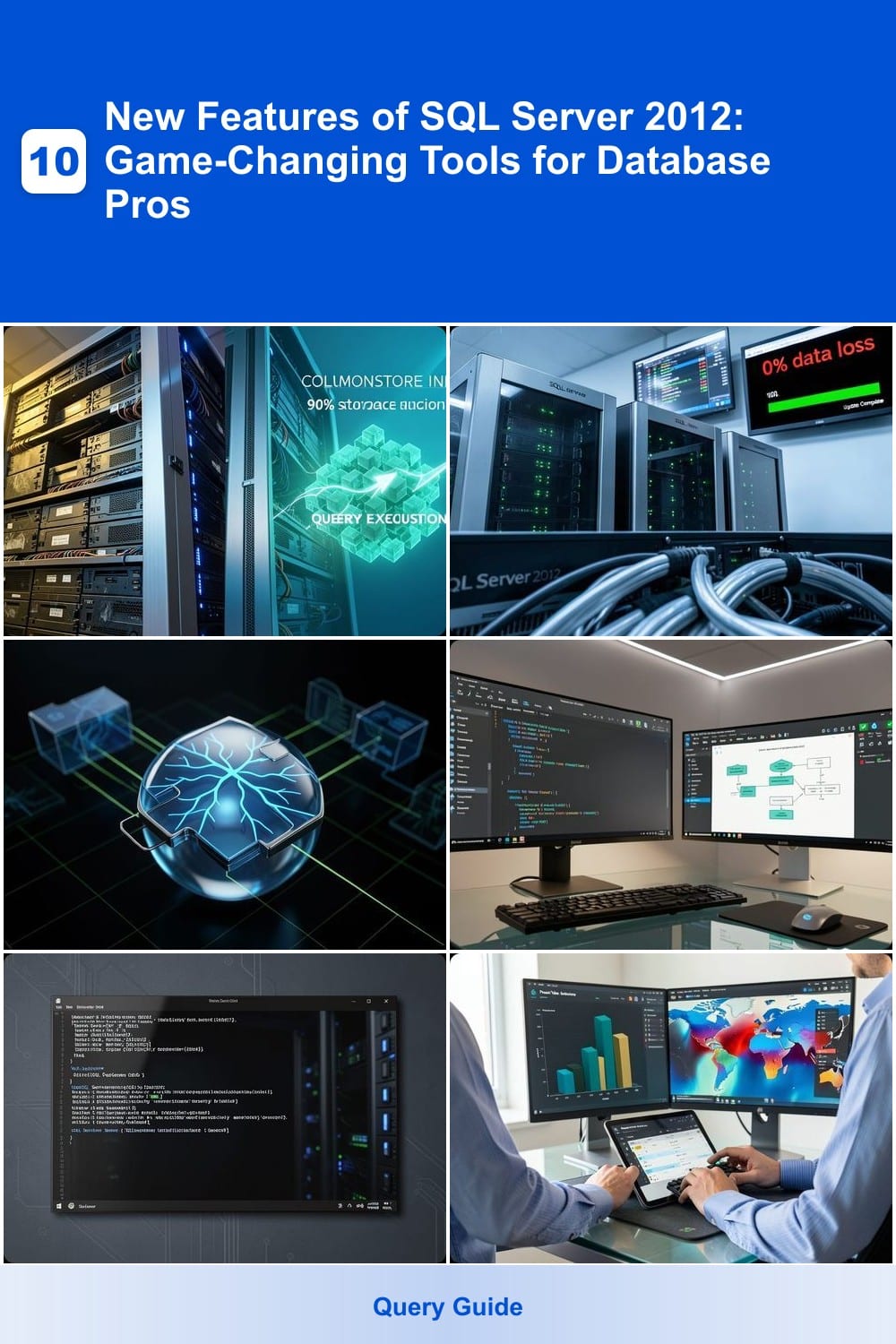
Columnstore Indexes for Massive Data Compression
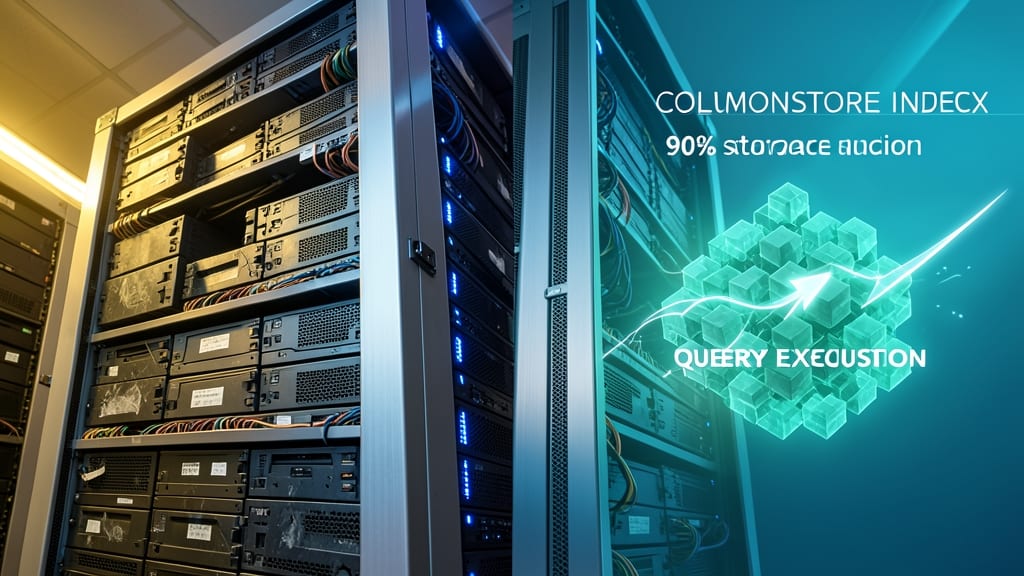
If your analytics workloads are drowning in storage costs and slow queries, columnstore indexes in SQL Server 2012 could be your game-changer. This feature redefines how large datasets are stored and queried, slashing storage needs by up to 90% while boosting performance for data warehousing.
The magic lies in its columnar storage format, which groups data by columns instead of rows—ideal for aggregations and scans. For example, a 1TB table might shrink to just 100GB, and queries on aggregated data (like SUM() or AVG()) can run 10x faster than with row-based indexes. It’s optimized for OLAP (Online Analytical Processing), making it perfect for reporting and business intelligence.
Data warehouses, BI teams, and enterprises dealing with petabytes of historical data will see the biggest benefits. Even smaller organizations running analytics on large datasets can leverage this feature in Standard Edition—no Enterprise license required. ⚡
AlwaysOn Availability Groups for High Availability

Mission-critical applications like banking or healthcare can’t afford downtime—but AlwaysOn Availability Groups in SQL Server 2012 changed the game. This feature introduced synchronous replication across multiple servers, ensuring zero data loss even during outages by mirroring transactions in real time.
With automatic failover, your primary database can seamlessly switch to a secondary replica if the main server crashes, keeping services running without manual intervention. Unlike traditional clustering, Availability Groups support up to eight readable secondary replicas, enabling load balancing for reporting or backups. The Enterprise Edition requirement ensures this is reserved for high-stakes environments where uptime isn’t negotiable.
Ideal for industries where seconds of downtime mean lost revenue or compromised data, this feature became the gold standard for enterprise-grade resilience. 💪
Contained Databases for Simplified Deployment

Tired of deployment headaches where databases feel like tangled dependencies? Contained databases in SQL Server 2012 solve this by isolating everything—users, schemas, and objects—into self-sufficient packages. No more relying on system databases like master or model, which streamlines migrations and cloud deployments.
This feature lets you move or copy databases between instances with minimal fuss, thanks to zero-configuration dependencies. Need to spin up a new environment? Just deploy the contained database—no complex linked server setups or manual logins. It’s especially useful for multi-tenant SaaS apps, where each tenant’s data lives in its own isolated container.
DevOps teams and cloud architects will love how contained databases simplify disaster recovery and scaling. Whether you’re shifting workloads to Azure or managing hybrid environments, this is the cleanest way to handle database portability. ✨
SQL Server Data Tools (SSDT) for Unified Development
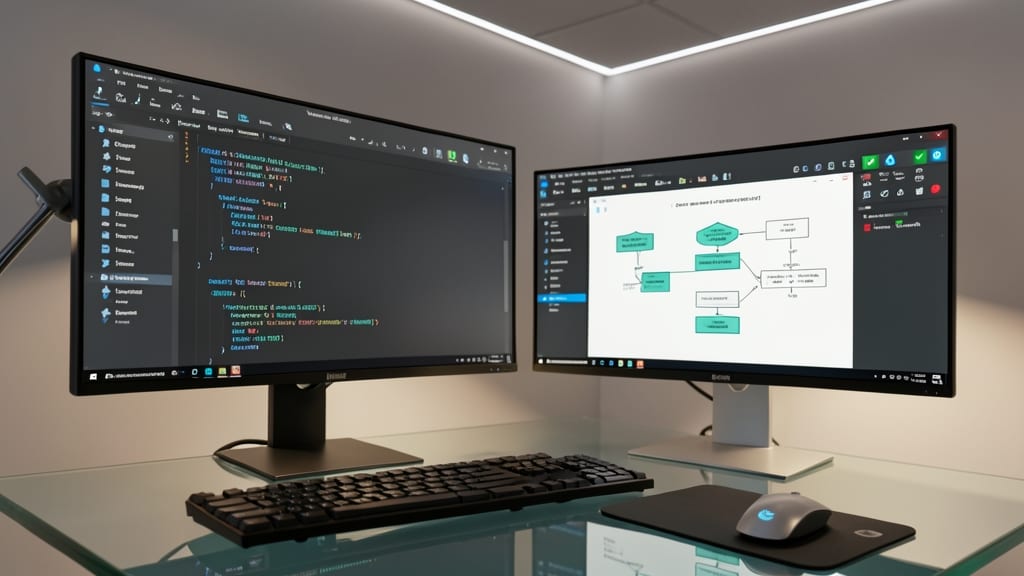
If you're tired of juggling separate tools for database development and deployment, SQL Server Data Tools (SSDT) bridges that gap seamlessly within Visual Studio. This integration lets you manage database projects like code—with version control, schema comparisons, and automated deployments—all from a single IDE.
With SSDT, you get database project templates that compile into deployment scripts, schema comparisons to sync environments, and CI/CD pipeline integration for automated deployments. The tool supports Azure SQL Database and on-premises SQL Server, making it perfect for teams using Git or Azure DevOps. Debugging stored procedures and triggers is now as easy as debugging application code.
DevOps teams and database developers will love how SSDT streamlines collaboration and reduces deployment errors. It’s the missing link for those who want to treat database changes as part of their entire development lifecycle. ✨
Windows Server Core Support for Lightweight Installations
If your SQL Server deployments feel bloated with unnecessary services and security risks, Windows Server Core in SQL Server 2012 offers a radical solution. This lightweight installation strips away the GUI and non-essential components, leaving only the core components needed to run SQL Server—reducing your attack surface by up to 70% compared to a full Windows Server install.
The minimal footprint (as low as 1GB RAM for basic setups) means fewer patches, less maintenance, and a tighter security posture. Since Server Core lacks a graphical interface, you’ll manage everything via PowerShell or command line, which also cuts down on potential vulnerabilities from exposed services. Cloud providers love this feature because it aligns perfectly with containerized and serverless deployments, where efficiency and security are non-negotiable.
This is a game-changer for cloud-based SQL Server workloads, especially in multi-tenant environments where minimizing overhead is critical. If you’re running SQL Server in Azure, AWS, or on-premises virtualized setups, Server Core helps you optimize resources while hardening security. 💪
Power View for Interactive Data Visualization

Tired of waiting for IT to generate reports? Power View in SQL Server 2012 lets anyone create stunning, interactive dashboards with just a few clicks—no SQL queries required.
This SharePoint-integrated BI tool lets you drag-and-drop fields into 3D charts, maps, and pivot tables, then filter them in real time. It connects directly to SQL Server Analysis Services (SSAS) for lightning-fast data processing, and even supports touchscreen gestures for intuitive exploration. Best of all, it’s designed for non-technical users—marketing teams, sales analysts, or executives can now explore data independently.
Perfect for businesses using SharePoint 2013 or later, Power View turns raw data into actionable insights without requiring a data scientist. 💡
SQL Server Data Quality Services for Clean Data
When merging datasets or migrating legacy systems, dirty data becomes a nightmare—until now. SQL Server 2012’s Data Quality Services (DQS) provides a dedicated toolkit to profile, cleanse, and match data with minimal manual effort, saving months of manual scrubbing.
This feature includes data profiling to identify inconsistencies, cleansing rules for standardization, and matching algorithms to resolve duplicates. The DQS Client offers a user-friendly interface for defining rules, while the Knowledge Base lets you reuse patterns across projects. For organizations consolidating multiple sources, DQS reduces errors by up to 80% compared to manual methods.
Ideal for finance, healthcare, or retail teams dealing with customer records, DQS integrates seamlessly with SQL Server Integration Services (SSIS) for end-to-end data pipelines. ⚡
Contained User Authentication for Secure Access
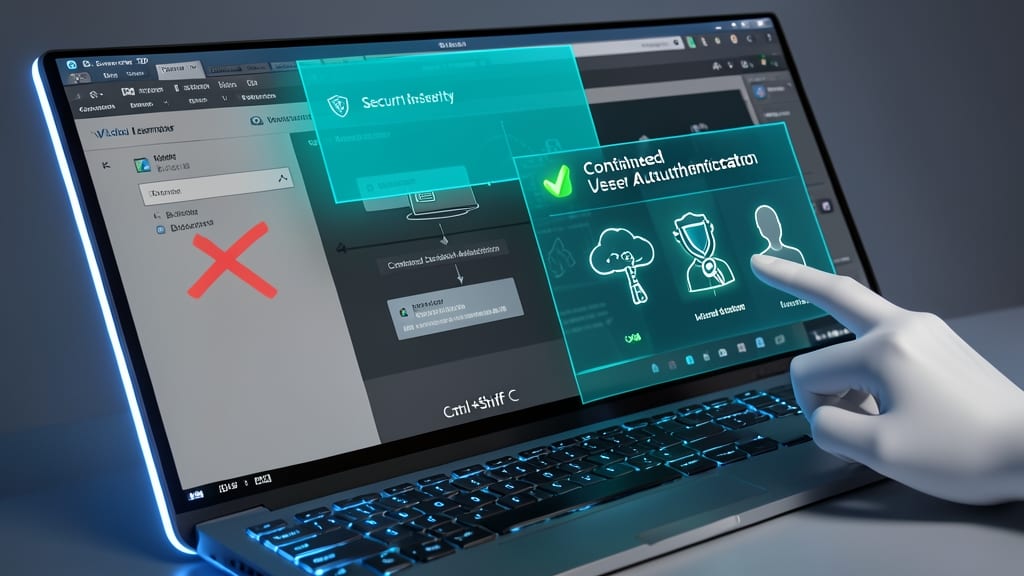
Tired of managing user permissions through Windows logins when your SaaS app needs isolated security domains? SQL Server 2012’s Contained User Authentication lets you handle authentication directly at the database level, breaking free from Windows dependencies and simplifying multi-tenant setups.
With this feature, you can create contained database users with credentials stored inside the database itself, eliminating the need for Windows logins. It supports SQL Server logins and Windows logins (when configured), while also enabling user-defined schemas for granular permissions. Perfect for SaaS providers needing to isolate customer data without complex server-level configurations.
Ideal for multi-tenant SaaS applications or organizations with mixed authentication needs, this feature reduces administrative overhead and enhances security by keeping credentials contained within the database. 🌟
SQL Server AlwaysOn Failover Cluster Instances

When downtime isn’t an option, SQL Server AlwaysOn Failover Cluster Instances (FCI) delivers the reliability your physical clusters need. Unlike Availability Groups, FCI leverages shared storage across multiple nodes, ensuring seamless failover without data loss—critical for environments where hardware redundancy is non-negotiable.
This feature automates failover in under 60 seconds, with support for up to 16 nodes in a single cluster. The shared disk configuration eliminates the need for complex replication setup, making it ideal for disaster recovery scenarios where SAN storage is already in place. Plus, it integrates natively with Windows Server Failover Clustering, simplifying deployment for IT teams managing on-premises data centers.
Perfect for enterprises running mission-critical workloads like ERP or financial systems, FCI ensures uptime even when hardware fails. ⚡
SQL Server 2012 Express with Advanced Tools
SQL Server 2012 Express finally broke free from its "toy edition" reputation by bundling AlwaysOn basic availability support and Power View—features previously reserved for paid tiers. This move democratized enterprise-grade tools for startups and small teams working with limited budgets.
The Express edition now supports basic AlwaysOn failover clustering (with up to two nodes) and Power View integration for self-service BI, letting you build interactive dashboards without upgrading. While it lacks some advanced features, the 10GB database size limit and single-core CPU restriction remain—perfect for prototyping or lightweight deployments.
Ideal for indie developers, freelancers, or small businesses needing high availability without the cost, this edition bridges the gap between hobby projects and production-ready setups. ✨